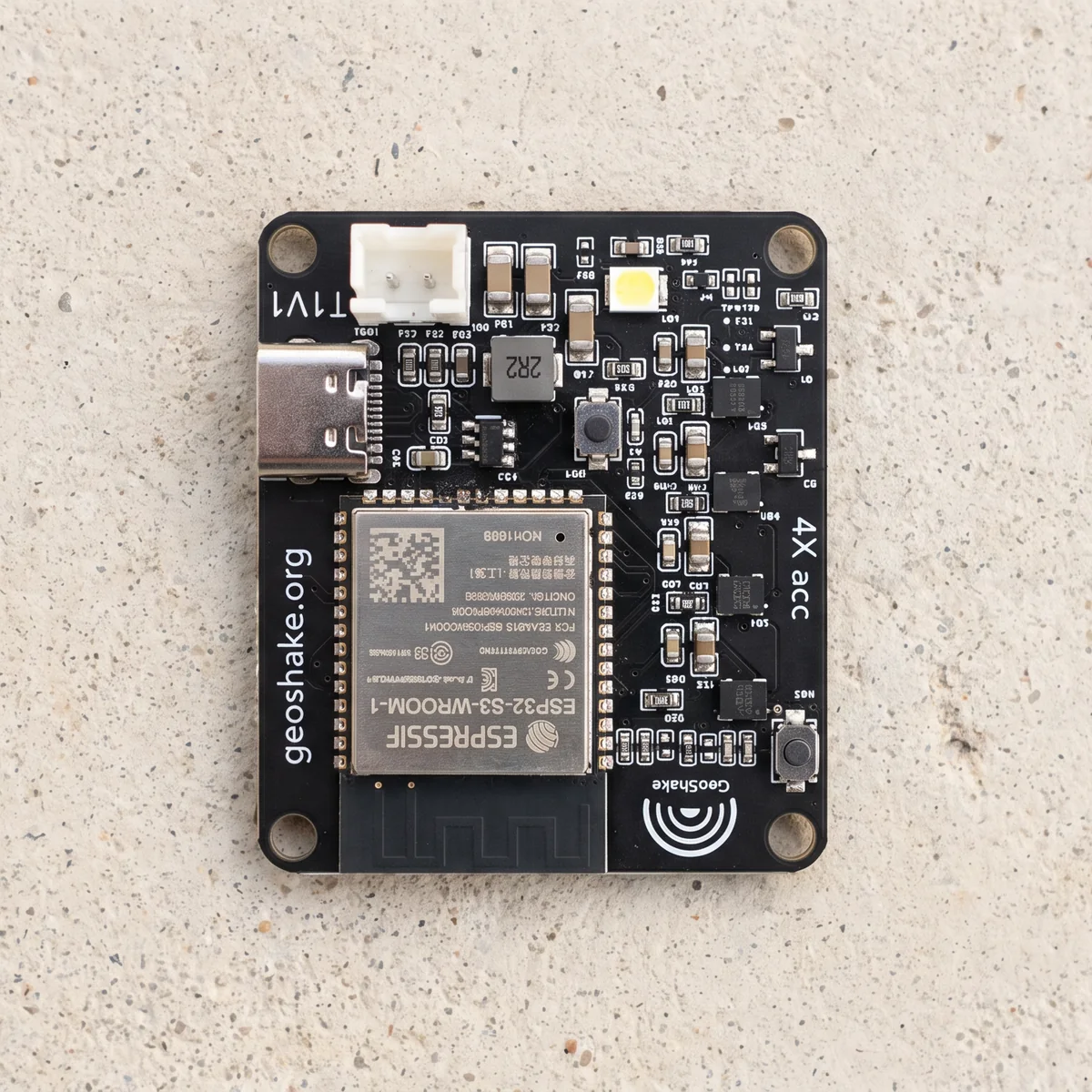
Sadece kart.
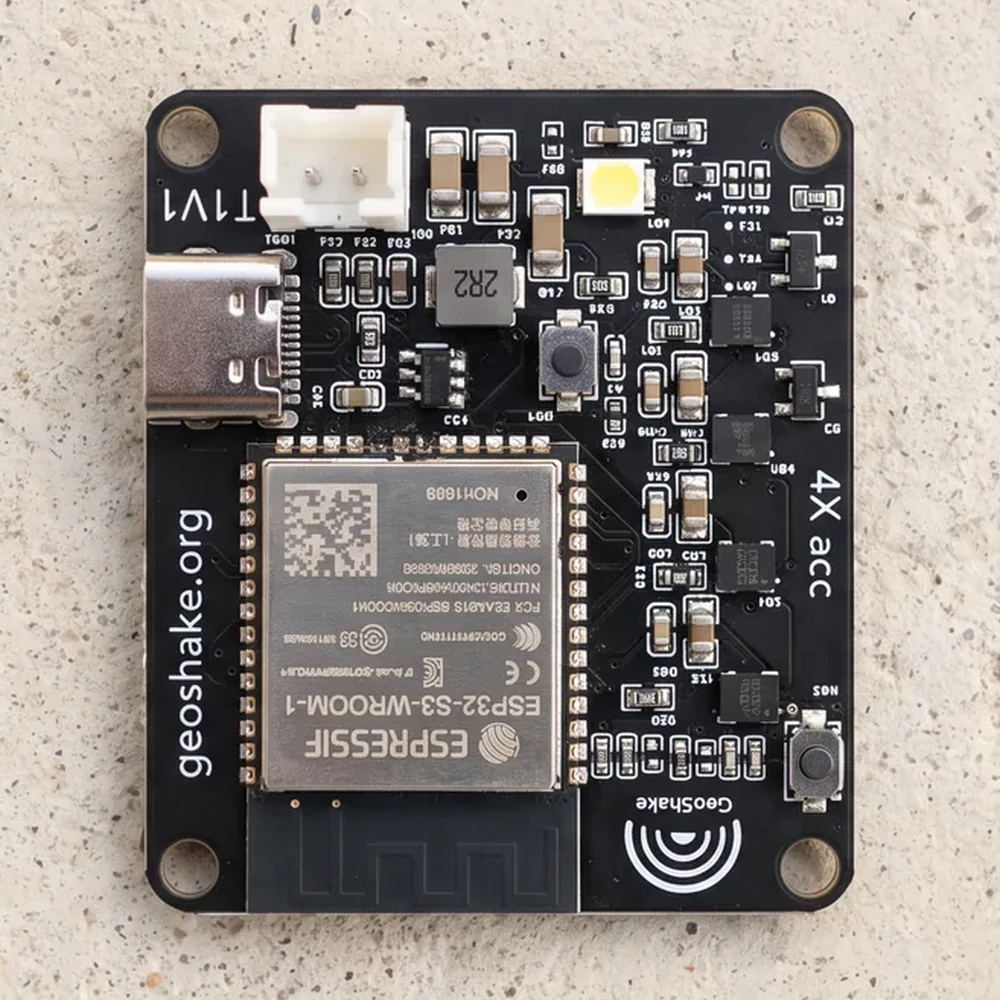
4,918 yorumHer GeoShake T1'in içine giren sismik elektroniğin aynısı — dört sensörlü LSM6DSO dizisine sahip bir ESP32-S3; zemini saniyede yüzden fazla kez okuyor. Monte edilmiş, test edilmiş, firmware'i yüklenmiş. Etrafındaki her şey size kalıyor.
Üç edinme yolu
Üçünde de elektronik aynı. Değişen tek şey, işin ne kadarının size düştüğü.
| Fiyat | Ne alıyorsunuz | Neden bu fiyat |
|---|---|---|
| $99.99 | Çıplak kart, tekli — Maker Edition | Montajı siz yapıyorsunuz. Topluluk desteği. |
| $129.99 | Komple ünite, en az 12 adet — sponsorluk | Hacim avantajı; üstelik okullara ve riskli bölgelere gidiyor. |
| $199.99 | Komple ünite, tekli — GeoShake T1 | Her şey dahil ve çalışmadığında yanınızdayız. |
Kutudan ne çıkar, ne çıkmaz
Kutuda
- Monte edilmiş, test edilmiş GeoShake T1 kartı
- Yüklü firmware
Sizin sağlayacaklarınız
- Muhafaza — dosyalar açık, v2.1 setini ASA ile basın
- Bir USB-C kablosu ve güç kaynağı
- Birkaç parça M3 donanımı, bir de duvara ya da zemine sabitlemek için iki dübel ve vida — tam liste
- Kurulum; herkesle aynı ilk kurulum rehberi ile
- Bir şeyin çözülmesi gerektiğinde kendi sabrınız
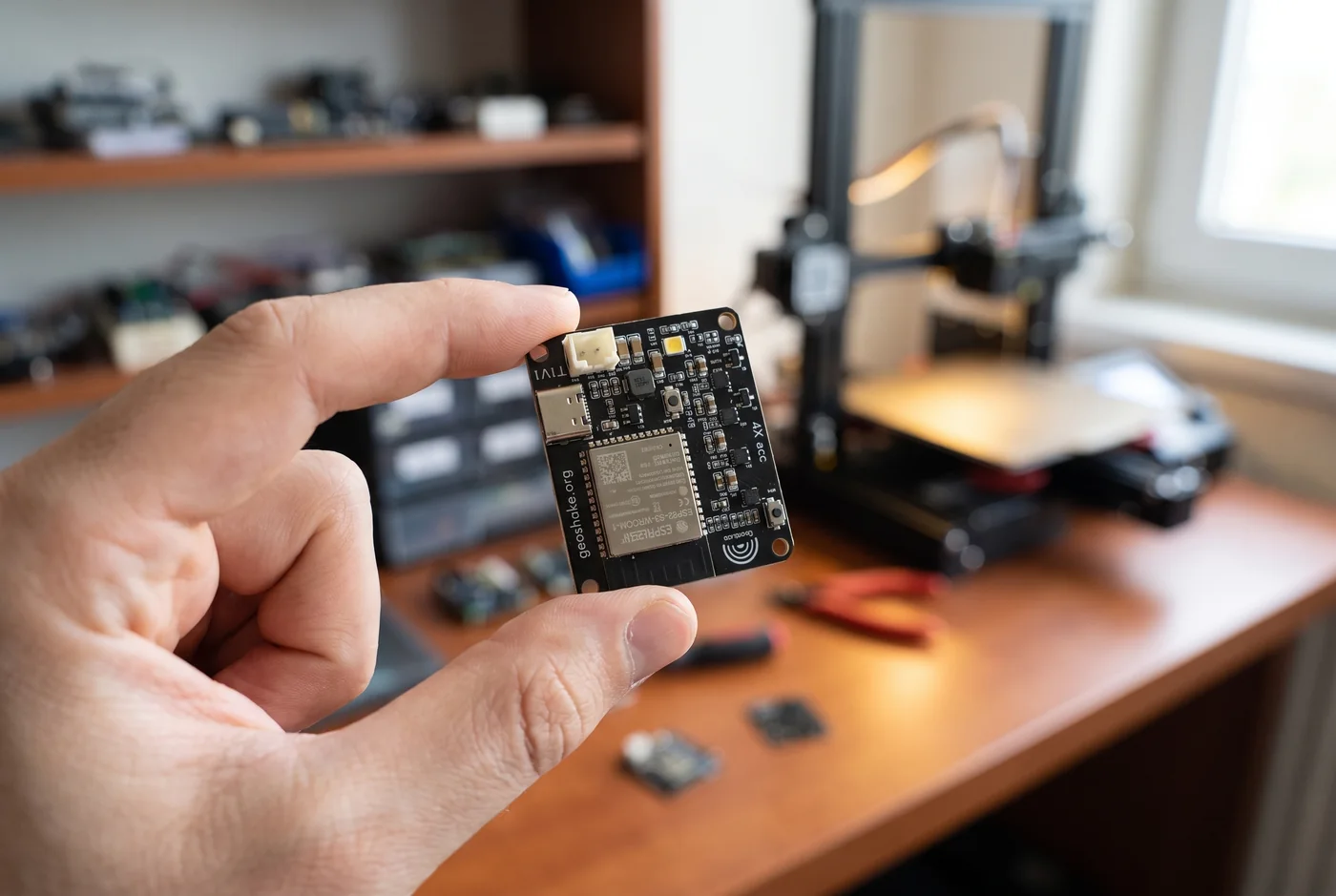
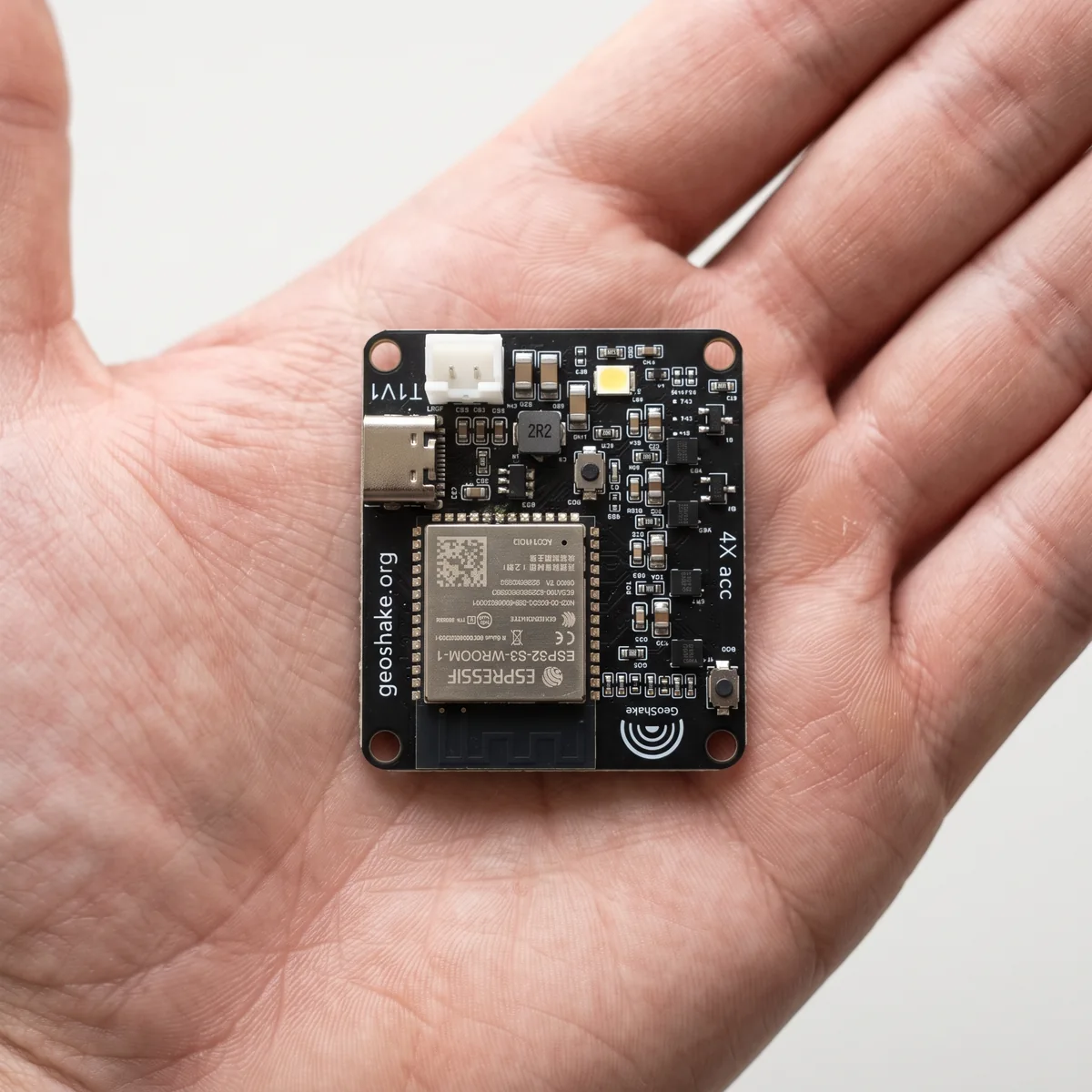
Lehim yok. Kart, kargoya verilmeden önce eksiksiz monte edilir ve test edilir — buradaki "maker" işi elektronik değil, muhafaza ve kurulum.
Bir adımı hakkıyla yapmakta fayda var: montaj tabanını duvara ya da sağlam bir zemine vidalayın. Sensör neye bağlıysa onu ölçer; boşta duran bir istasyon yeri değil, mobilyayı kaydeder.
İlk günden ağda
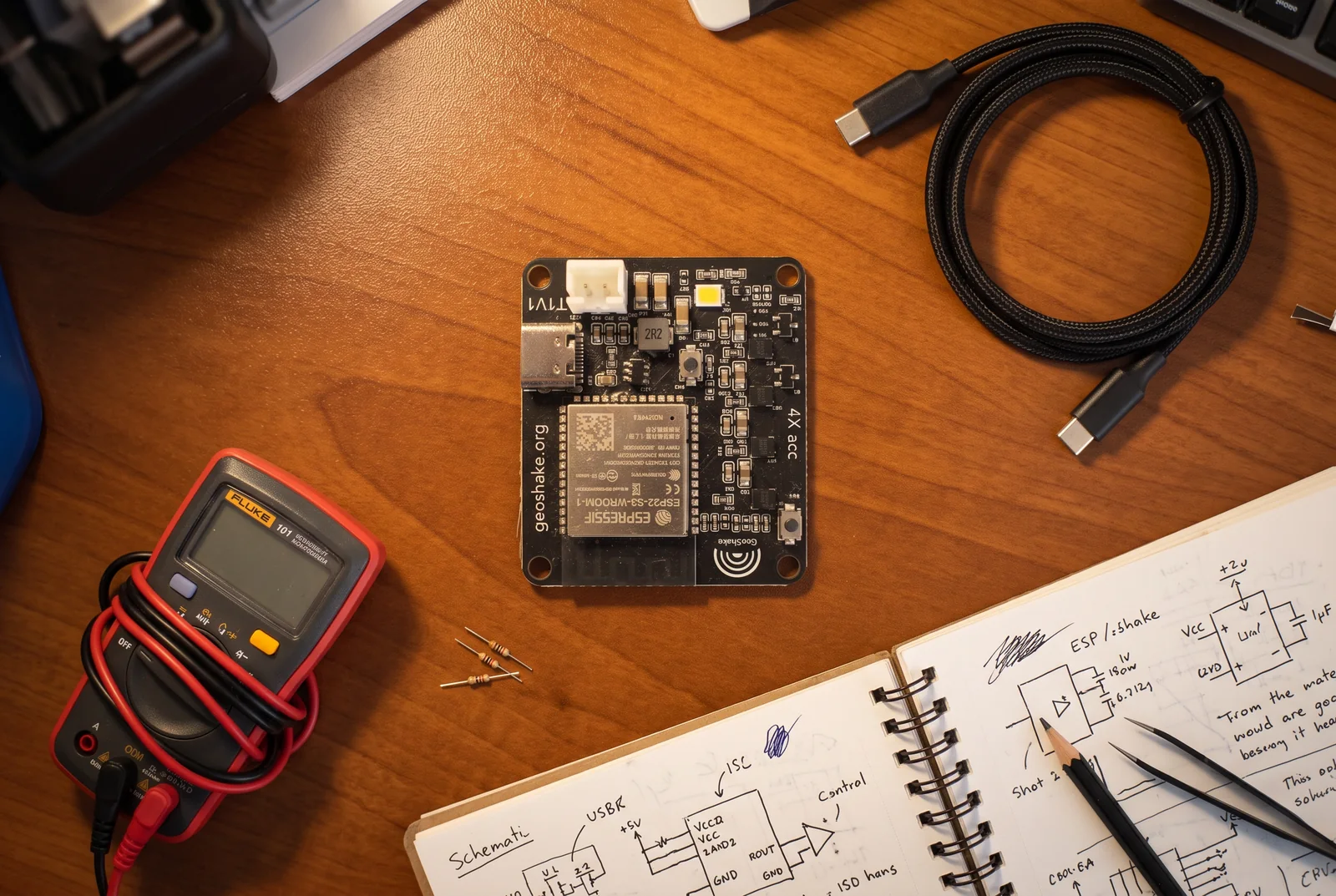
Firmware ve istasyon kimliği kartın üzerinde gelir. Uygulamayla kurduğunuzda her T1 gibi haritada görünür.
Haritadaki her istasyon bizim verdiğimiz bir kimlik taşır; ağın bir okumaya harekete geçecek kadar güvenmesini sağlayan şey budur. Sizin kartınız bu kimlikle gelir, yani başvurmanız gereken bir şey yok. Firmware GPL-3.0 lisanslıdır ve kendi sürümünüzü derleyip yükleyebilirsiniz; ancak kendi derlediğiniz bir kart, verilmiş bir kimlik olmadan ağa katılamaz. Bu, tasarım gereğidir.
Bunun yerine açık dosyalardan kendi kartınızı mı yapıyorsunuz? O zaman kapı Ağa katıl; bu başvuruları elle inceliyoruz.
Ağdaki istasyon sahipleri, kendi sözleriyle
“The GeoShake is a very high-quality, well-made device. Professional in every respect. The network is growing fast and the app is amazing. Both are also top-notch and simple to use. I highly recommend the GeoShake. It's trivial to set up and takes virtually no space or ongoing maintenance. Just find a solid corner in your home, mount it, plug it in and enjoy your local contribution to a reliable earthquake early warning system.”“Me encontraba en Vega Alta cuando recibí la notificación del sismo de magnitud 4.8 ocurrido en el suroeste, 15 segundos antes de que el temblor se sintiera en mi hogar.”“Came up on Facebook and I took a chance. Had to pay a duty tax coming in from another country. Again, took a second chance, but in the end it arrived, connection was easy, and boom it works! We need more in the US to give us really good readings.”“Fantastic! Highly recommended”“it works flawlessly and set up in a few minutes, just have to print the eclosure and it's interesting to watch how the ground actually microshakes...”“Easy to install. App is great and really gives great measurements.”“It should have a charger, I mean really, for that price it should”“Setup couldn’t have been simpler. The hardest part was deciding where to place it. Both the App and Web interfaces work great.”“Was so easy to get up and running. Now I am an official station!!! Super coolness!!”“It was a breeze to set up. The most difficult part was to find a low noise location with adequate wi-fi signal strength. The result was a location with strong wi-fi but less than optimal ambient noise. I'm still considering other locations.
One thing that would have been useful to me in deciding to buy this product was a diagram or table showing a max distance from quake source to detector as a function of quake magnitude. I understand there is variability in this, but some statement relating to this would have been useful. (I still would have bought it anyway, but it would have been of value.)
Best,
Ron”“Easy to use: plug it in, set it up, and run it! No issues so far!
You can easily 3D-print an enclosure for it yourself.”“I started building one myself a couple of years ago with EMS devices, and I was fighting with the noise. Then added a second and struggled with synchronicity. Seems you nailed it, and the network is great too. Now I'm trying to find a neighbour so that we can build a team of 3.”“Espero pueda algún día se puedan salvar vidas con la red”“I bought a GeoShake T1 Maker Edition for a very concrete job: documenting the vibrations from heavy vehicles passing in front of my house, where a cracked road surface makes every bus and truck felt inside. What convinced me is that it is not a black box. The sensor samples fast enough to show real waveforms, and I can download and analyse the raw data myself, match events against bus timetables and my own observations, and tell road traffic apart from activity in the house. With timetables and my own notes, I can usually identify which bus or truck just passed, and over weeks that turned a feeling — "the house shakes when a bus passes" — into measurements I could compare, day after day. For a small, maker-built board from a name I had never heard of, it has done serious, everyday work, and I trust what it records because I can check it.”“Tamer Saludos me siento muy contento de tener el GeoShake T1 y e visto como mi Isla se A preparado desde que estuve buscando información. Lo único que me preocupa es la integración de los dispositivos como luces , alarmas y otros. No puedo usar a Tuya, Alexa, Google mi dispositivo no me deja la integración a otros”“I've had my GeoShake T1 about a month. I live in Alaska, a very seismically-active location. I've always been fascinated with earthquakes and having a device that is "listening" to the earth movements at my home is very satisfying.
The setup was straightforward. The most difficult part was selecting a location and installing it on the floor. Here are some of the considerations I used when selecting the location:
1. Select a location where I can connect it to a UPS. I have a UPS for my internet router and cable modem, and I was able to use the USB port to power the T1. Now I know that if power goes out, the T1 will have power, along with the router and cable modem. It also happens to be the case that this location is in a quiet spot in my home. This also insures that the Wi-Fi signal will be strong.
2. I installed it so that the device is square to true north. I know that for now, the device orientation is not important, but I thought that if at some future time GeoShake was able to align the device to north, it would be easy to do. Note, this isn't necessary for the T1 to work, and it was easy to do in my house because the house is aligned with north.
My T1 was the first in Alaska, and there is another that is now nearby. I would love to see more of them spring up, particularly around me... But they are interesting and fun no matter where. I am looking forward to the addition of a third, and more T1 devices in my area.
So far, there have been two seismic events that my device has detected. They were small and I didn't feel them, but the data is unmistakable.
You should get one... at least one!”“Instalación sencilla, solo fue conectar y listo. Es una buena solución para saber cuando está temblando y tiene precio especial para latinoamérica. Lo he recomendado a varios familiares y amigos. Da una capa de tranquilidad adicional, además de tener la maleta de emergencia, al momento de dormir. Ojalá la red siga creciendo!”“Bir tanesini Oaxaca'daki ailemin evine kurdum. Ağın her hafta büyüdüğünü izlemek insana gerçekten güven veriyor.”
Maker Edition'ı satın alın
Adedi $99.99, kargo ve vergiler dahil, dünya geneline teslimat.
Adedi sepette değiştirebilirsiniz. Kart bilgileri sunucularımıza asla ulaşmaz. Kargo 7–12 gün içinde, komple üniteyle aynı.
Nereden yardım alırsınız
Destek masası değil, topluluk — ve bu, $199.99'luk üniteyle arasındaki dürüst fark.
- Discord — diğer sahipler ve ekip. İlk durağınız burası.
- İlk kurulum rehberi — komple ünitenin kutusundan çıkan rehberin aynısı; LED anlamları ve sorun giderme dahil.
- GitHub — firmware kaynağı, muhafaza dosyaları ve sorun bildirebileceğiniz yer.
Arıza yine arızadır. Kart ölü gelirse ya da kendi kendini sınamadan geçemezse info@geoshake.org adresine yazın, değiştirelim — topluluk desteği kurulum yardımıyla ilgilidir, bozuk donanımla baş başa kalmanızla değil.
Sipariş vermeden önce
Kart gerçekten $199.99'luk ünitedekiyle birebir aynı mı?
Evet — aynı PCB, aynı ESP32-S3, aynı dört LSM6DSO sensörü, aynı firmware; aynı hatta monte edilip test ediliyor. Fark, etrafındaki her şey.
Lehim yapmam gerekiyor mu?
Hayır. Kartta lehimlenecek hiçbir şey yok — eksiksiz monte edilmiş ve test edilmiş gelir. Sizin sağlayacaklarınız muhafaza, onun M3 donanımı, bir kablo ve kurulum. Heat-set insert kullanacaksanız onlar için bir havya gerekir; alternatif somun yöntemi ısı istemez.
Muhafaza dosyalarını nereden bulurum?
Dosyalar CC BY-SA 4.0 ile açık. Güncel v2.1 seti, baskı ayarları ve donanım listesi GitHub'da — Printables ve MakerWorld'de hâlâ eski Rev-C seti duruyor. ASA ile basın; gyroid doluluk: kapak %15, gövde ve montaj tabanı %99, destek yok.
Halka açık ağa katılmadan kullanabilir miyim?
Evet. Kendi MQTT broker'ınıza yönlendirin, çalışır — firmware açıktır ve secure-boot eFuse'ları yakılmamıştır. Kart halka açık haritaya hazır gelir; gizli kalmak bir zorunluluk değil, kurulumda yaptığınız bir seçimdir.
Birden fazla alabilir miyim?
Tek siparişte 99 adede kadar; adedi sepetinizde belirlersiniz. Daha fazlası gerekiyorsa ya da bir okul veya laboratuvar için alıyorsanız info@geoshake.org adresine yazın.